TLDR
Automating the process of testing the Catan system end-to-end. This is done by stepping through game commands / moves via Python scripts and text files containing the list of game moves to apply.
This testing is still manual, since I personally validate that the frontend is displaying what I expect after each call. It greatly increases my speed though, since I can quickly design new test scenarios, repeat older ones, and skip commands I do not want to execute.
Ideally, working with these CLI commands will subconsciously let me develop a formal notation for game moves. This will be important once I need to implement game history and persist it to the Postgres DB.
The automated commands are achieved via two python scripts which
- Implement a CLI tool for the backend REST service (
settlers-cli.py). - Read and run a list of CLI commands from a file
<game-scenario>.txtvia (testing.py).
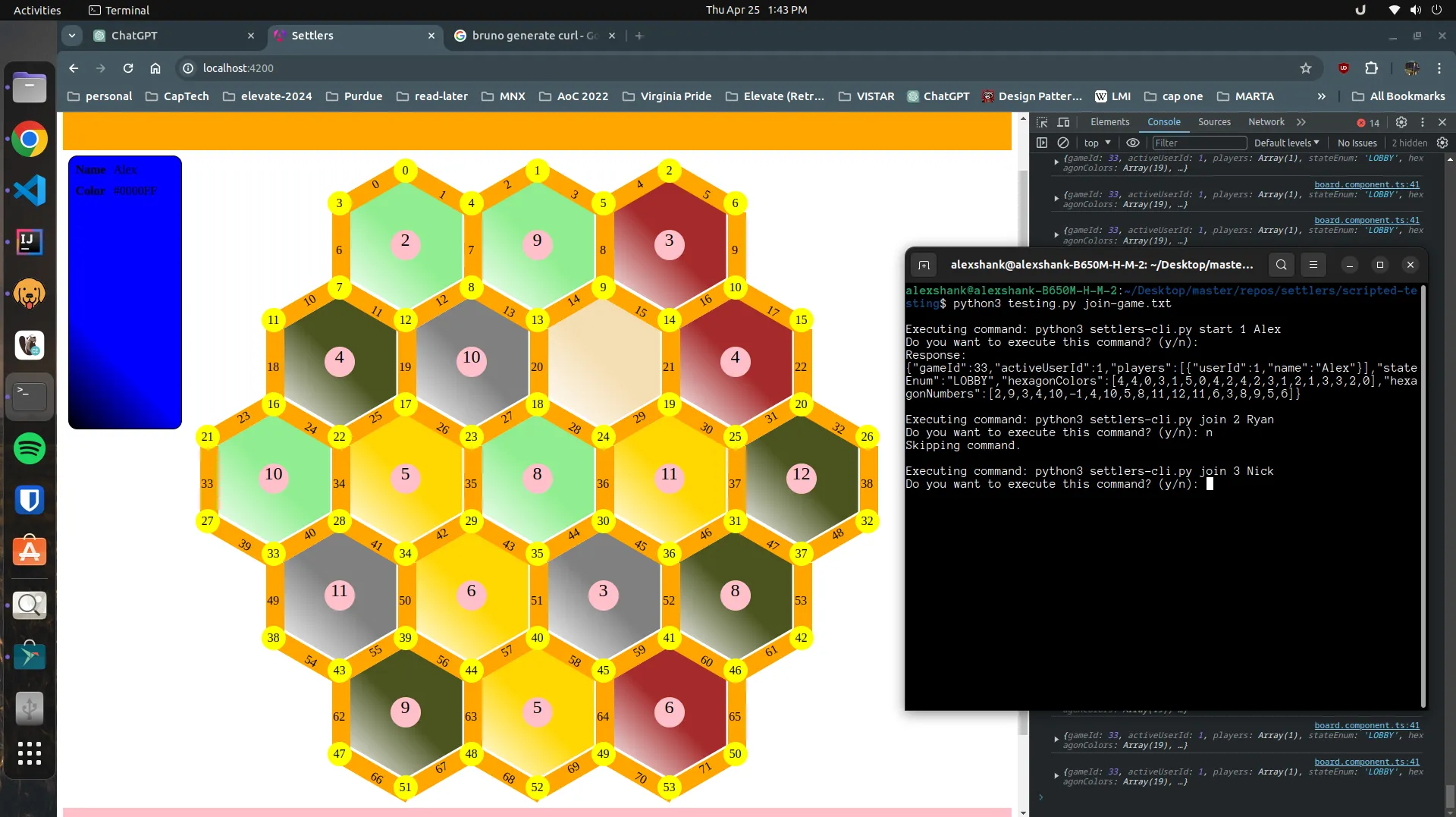
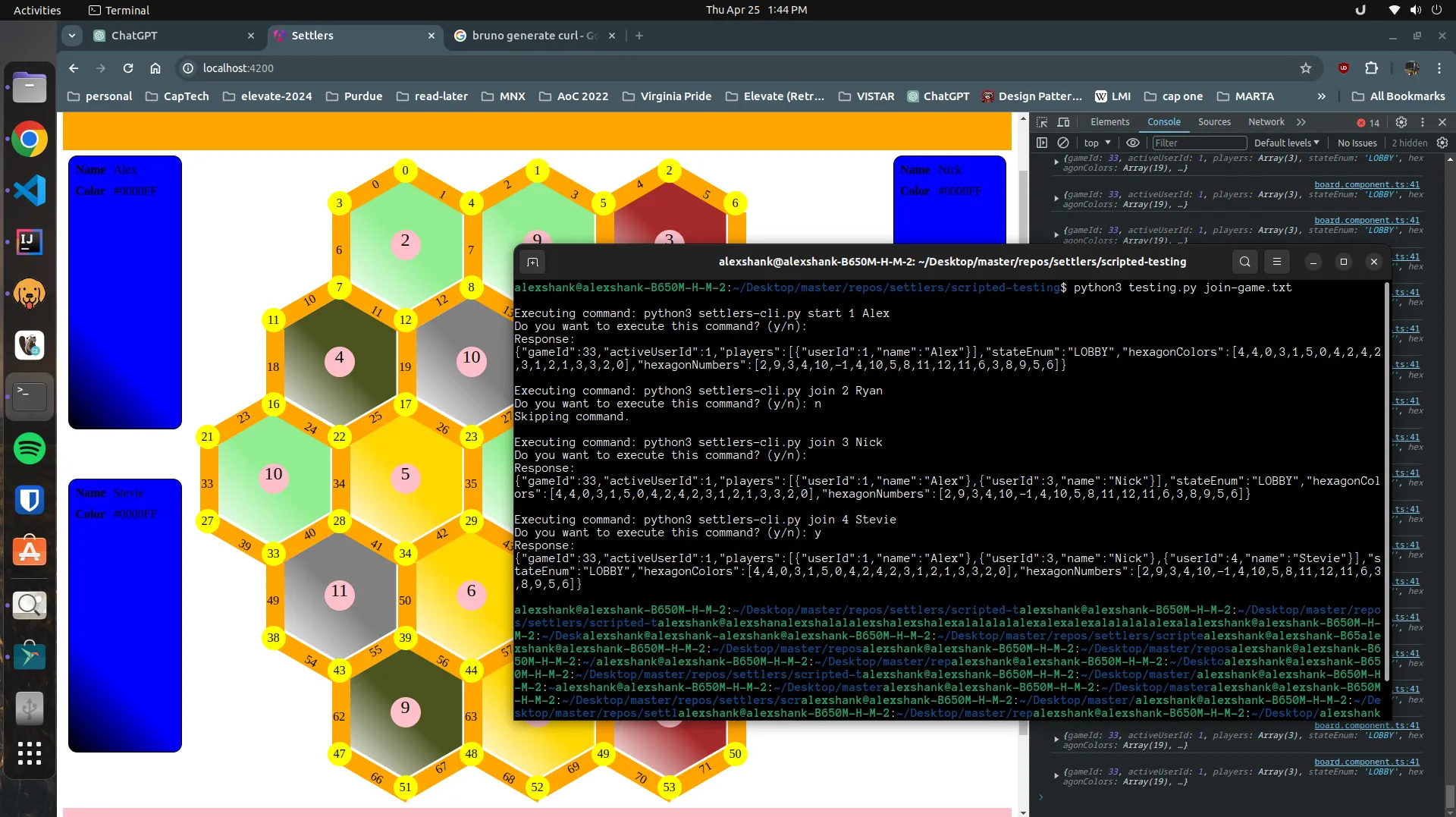
The below screenshots show how we could start up the game service, then run through the process of a player starting a game and having others join.
join-game.txt contains the following CLI commands to do this:
python3 settlers-cli.py start 1 Alex
python3 settlers-cli.py join 2 Ryan
python3 settlers-cli.py join 3 Nick
python3 settlers-cli.py join 4 Stevie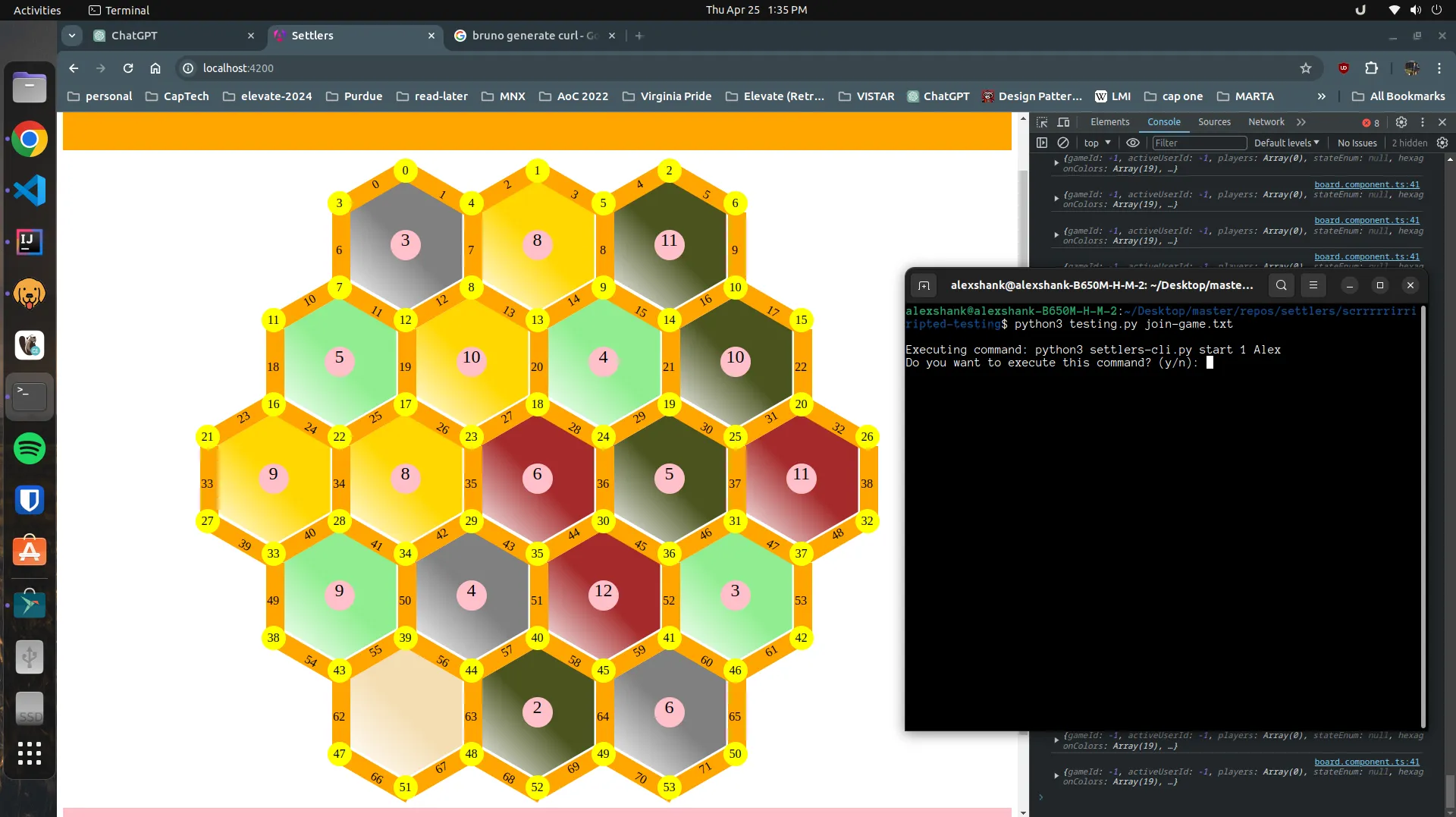
Main work
- Creating
testing.pythat runs multiple CLI commands. - Creating
settlers-cli.pywhich implements the CLI commands. - Updating the Angular frontend to continually fetch game state every second.
Challenges
- How do we now keep the CLI tool and the REST service in sync?
- How can we come up with different game scenarios that sufficiently test our code?
- How do we eventually convert this manual testing into repeatable tests at build time?
Learnings
- Relatively easy to build simple CLI tools in Python.
- Giving a detailed description of my automated testing strategy to ChatGPT was enough to get the code 90% of the way there.